

A demo is not the next step. It’s an activity. Here’s how to make sure it actually earns its place in the deal.
All articles
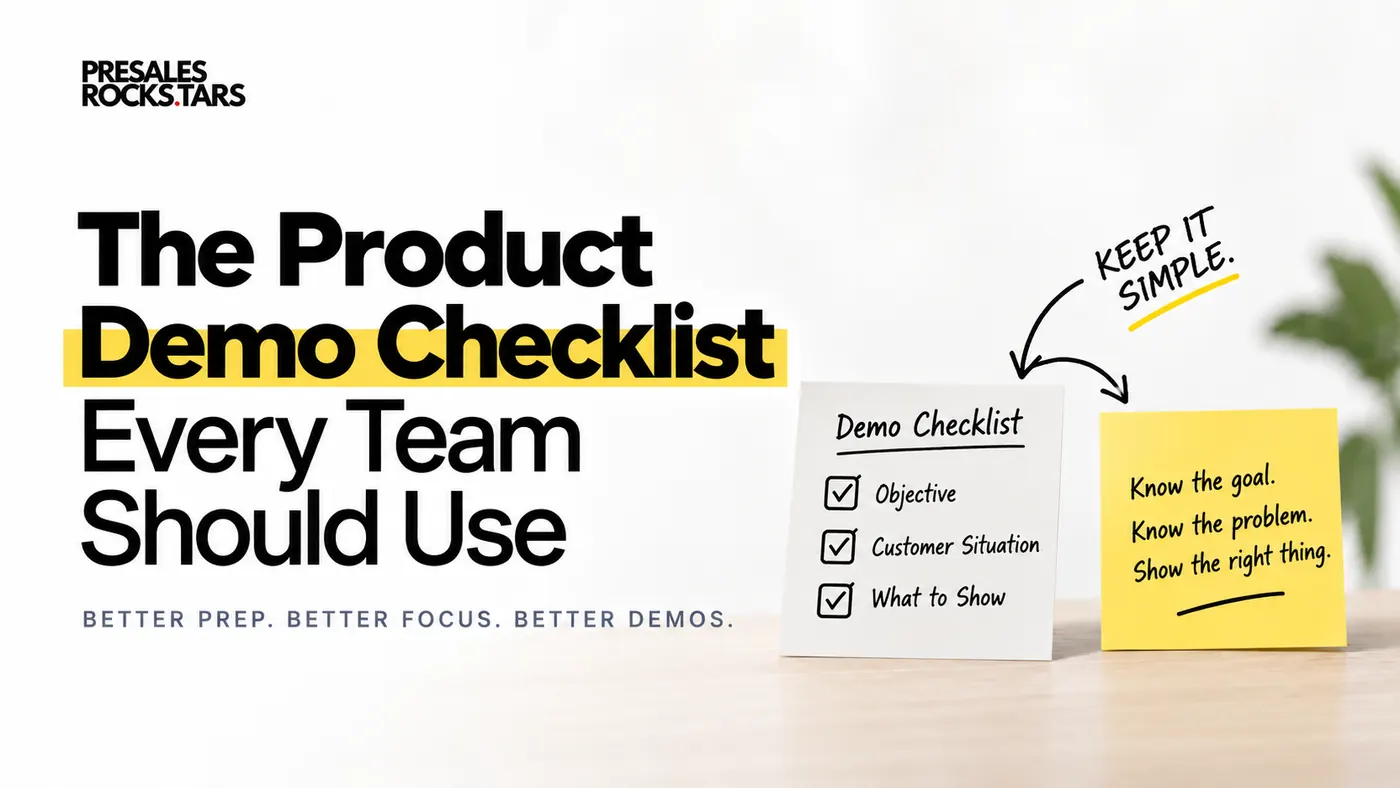
A demo is not the next step. It’s an activity. Here’s how to make sure it actually earns its place in the deal.
I make my living teaching people how to deliver better product demos. Still, I think demos are often a little overrated.
A demo is only a means to an end.
You are not doing a demo because somebody asked to see your software. You are doing it because you want to help your customer make progress in their buying decision.
Maybe you want to get access to the decision maker. Maybe you need to validate the technical fit. Maybe the next step is a security review, a trial, a business case, or a conversation with another team.
Whatever it is, there should be a reason for the demo.
That sounds obvious. But I have seen plenty of demos where this was never really discussed.
The Account Executive asks the Solution Engineer for a demo. The SE prepares the standard flow. Everyone joins the call. The team spends an hour showing software.
Then the meeting ends with:
“Great, thanks. We’ll discuss this internally and get back to you.”
And nobody really knows what should happen next.
This is why I started using a product demo preparation checklist when I was leading sales teams.
The purpose was simple. Before we spent time preparing and delivering a demo, we wanted to make sure we understood why we were doing it, what the customer cared about, and what we actually needed to show.
Here is the checklist I would use today.
Before you plan the demo, make sure everybody is aligned on what this meeting should achieve.
A demo is not the goal. It should create momentum toward the next step.
This is the most important part of the entire checklist.
Before discussing features, workflows, slides, or demo environments, answer one question:
What should be different after this demo?
The demo itself is not progress. What happens because of the demo is progress.
I sometimes call this the next-next step.
Earlier in my career, we had a mandatory “Next Step” field in our CRM. I remember feeling pretty good when I could enter something like:
“Max will give the customer a demo on May 11.”
We had another meeting scheduled. Surely that meant the deal was moving.
Eventually, I realised that the demo was not really the next step. It was simply another activity.
The interesting question was what we wanted to happen after May 11.
Write down why you are doing this particular demo.
“Give them an overview of the platform” is usually too weak.
A better objective would be:
“We want to validate that we can support their three critical workflows so that they are comfortable moving into a technical evaluation.”
Or:
“We want our champion to feel confident enough about the solution to introduce us to their VP.”
Now your demo has a job to do.
Decide what you would ideally like the customer to do if the demo goes well.
Even better, discuss this with your customer before the demo.
For example:
“If the demo shows that we can solve the problems we discussed, would it make sense to involve your manager afterwards and get their perspective?”
Your customer might say that they want to see the product themselves first. That is completely reasonable.
You can simply respond:
“Of course. Let’s do the demo first. At the end, you can tell me honestly whether this meets your expectations. If it does, would you be open to setting up a short conversation with your manager afterwards?”
Now both sides know where the meeting is supposed to lead.
This also gives you useful qualification information.
If your customer does not want to commit to anything even if the demo goes perfectly, you should understand why. Maybe the problem is not urgent enough yet. Maybe you are missing an important stakeholder. Maybe you have not uncovered enough business impact.
That is useful information before you invest several hours preparing the perfect demo.
Ask yourself:
What is the one thing we want the customer to remember after this demo?
Even better:
What should your champion tell their colleagues when somebody asks, “How was the demo?”
Hopefully, their answer is not “They have loads of features.” Or “It looks very customizable.” Those statements say very little about why they should buy your product.
A stronger core message sounds more like:
“This could cut our onboarding process from five hours to a few minutes.”
Or:
“This could help us avoid the €500,000 in penalties we currently pay every year.”
Your core message should connect directly to the problem your customer wants to solve.
Decide how you will judge the demo afterwards.
What would be an excellent outcome? What would still count as useful progress?
Your ideal outcome might be getting access to the economic buyer. An acceptable outcome might be learning their technical requirements and agreeing on another session with IT.
Both can be progress.
The important part is that you define this before the demo rather than deciding afterwards that whatever happened was somehow good enough.
Checklist recap — Demo Objective:
If you cannot answer most of these questions, I would question whether you are ready for the demo yet.
A strong demo starts with a clear view of the business issue, the real problems, and the gaps you still need to uncover.
Simple customer language beats internal jargon every time.
You do not need perfect discovery before a demo. In fact, you probably will not have it.
But you should know what you already understand and, just as importantly, what you still need to learn.
A demo can be a great place to continue discovery. You simply need to know where your gaps are.
Start with the bigger reason your customer is considering making a change.
Customers often describe this in very broad terms: “We need to become more AI-driven.” “We want to automate compliance.” “We need a better reporting solution.”
Those statements give you a direction, but they are usually not enough. Keep digging.
Why does the company need to automate compliance? Maybe the answer is:
“We currently pay €500,000 per year in penalties because audits are constantly delayed.”
Now you have something meaningful. There is a measurable business problem behind the project. And that changes your demo significantly.
You are no longer demonstrating compliance software. You are showing the customer how they could prevent expensive audit delays.
The business issue is usually created by several smaller problems.
Maybe audits are late because documents are stored across different systems. Employees manually chase missing information. Approval processes are inconsistent. Nobody has a clear view of outstanding tasks.
These are the problems your demo should solve.
Write them down using your customer’s language wherever possible. Do not translate everything into your own product terminology.
If your customer says, “We spend half the week chasing people for missing documents,” use that language. It will make the demo feel much more connected to their actual situation.
Try to put some numbers around the situation.
How long does the current process take? How many people are involved? How much money is lost? How often does the problem occur? How many customers are affected?
Sometimes you will already know these numbers from discovery. Sometimes you will not. That is fine. The checklist is also useful for identifying missing information.
If you do not know how long the process currently takes, mark that as a question you want to explore during the demo. For example:
“Before I show you how this workflow works, how long does this process normally take you today?”
Now your demo continues the discovery conversation instead of replacing it.
Knowing where your customer is today is only half of the picture. You also need to understand where they want to go.
Maybe they want to reduce compliance preparation from three weeks to three days. Maybe they want to reduce manual data entry by 50%. Maybe the goal is to remove penalties completely.
The gap between the current situation and the desired situation gives your demo context. It also helps you understand how important the project really is.
Checklist recap — Customer Situation:
You do not need every box checked perfectly. But you should know where the empty boxes are.
Only show what helps solve the buyer’s problems and supports the outcome you want to create.
Your demo agenda should come from the customer’s problems, not from your feature list.
Only now would I start deciding what goes into the product demo.
Your demo agenda should come from the customer’s problems. Unfortunately, many demos are designed the other way around.
The team starts with the product: “We should definitely show dashboards.” “We need to include the AI feature.” “We should probably give them a quick look at reporting.”
Then they try to connect those features to the customer somehow.
Turn that process around. Start with the problems and ask: What does the customer need to see to believe we can solve this?
Take the problems from the previous section and connect each one to something your product can demonstrate.
If the customer struggles to find audit documents, show how those documents can be stored and found. If missing information causes delays, show how your software identifies missing information before submission. If deadlines are missed because nobody notices overdue tasks, show how your product alerts the right people.
This creates a very natural demo agenda. Problem first. Relevant capability second.
Avoid filling your demo plan with internal feature names.
“Centralized Document Repository” might make complete sense inside your company. Your customer probably does not care what you call it.
Write down what you actually want the customer to understand. For example:
“We will show how all audit documents can automatically be stored in one searchable place.”
Or:
“We will show how missing information can be flagged before the audit is submitted.”
That makes it much easier for everyone involved in the demo to understand why each part is there.
This is one of the hardest parts of preparing a good product demo. You need to leave things out.
Your customer does not need to see everything your software can do. They need enough evidence to believe that you can solve the problems they care about.
Every additional feature costs attention and time. Before adding another part to your demo, ask: Which customer problem does this help us solve? If you cannot answer that question, you probably do not need it.
You should also know when your customer needs to solve the problem.
“We need this ASAP” is not a timeline. Try to understand what is driving the urgency. For example:
“We need the new process running before our next audit in January.”
That gives you a real deadline and a reason why the customer needs to act. If there is no deadline or compelling event, that is worth knowing too.
Your demo should change depending on your audience.
A CFO probably cares about financial impact, risk, and efficiency. The person running the process every day probably wants to understand exactly how their workflow would change. IT may mainly care about integration, security, and implementation.
You can show the same product to all three people, but you should not explain it in exactly the same way.
Before the demo, know who is attending and what each person likely needs from the conversation.
Checklist recap — What to Show:
At this point, you should have a pretty clear demo agenda without ever starting from a list of product features.
You will rarely know everything before the demo. That is okay.
The purpose of a product demo checklist is not to create another internal form that sellers fill with random text because management made it mandatory.
The checklist should make gaps visible.
Maybe you know the business problem but do not know the financial impact yet. Maybe you understand the operational workflow but still have no idea who makes the final decision. Maybe you know exactly what the customer wants to see, but nobody has discussed what happens afterwards.
Those gaps should influence your demo. You can intentionally ask questions during the meeting and update your understanding afterwards. The document develops together with the opportunity.
When I was leading sales teams, we eventually took this a step further and introduced entry and exit criteria around demos.
If a seller wanted to move an opportunity from Discovery into the Demo stage, certain information had to be available. For example: What is the goal of the demo? What is the core message? Which customer problems are we solving? What should happen afterwards?
Some fields were mandatory. Others were optional.
The purpose was not bureaucracy. We wanted sellers to spend a few minutes thinking before asking an SE to spend several hours preparing a demo.
It also made it easier for Solution Engineers to push back constructively. Instead of saying “No, I don’t want to do this demo,” you can say:
“Happy to help. Before I prepare it, can we spend 15 minutes together on what we actually want to achieve and what we know about the customer?”
That is a completely reasonable conversation. SE capacity is limited. Preparing one demo means not spending that time on another opportunity. It is fair to ask whether a customer is actually ready for one.
Before your next product demo, make sure you can answer the following:
Demo Objective
Customer Situation
Demo Content
A good demo should make your customer feel that you understood their situation and prepared the meeting specifically for them.
And there is a simple test for this.
At the beginning of your demo, you should be able to say:
“Here is what we understood about your situation. These are the problems you told us about. This is what we are going to focus on today. And if we can show you that we can solve these problems, this is what we agreed makes sense as a next step.”
That creates a very different conversation from opening your software and saying “Great, let me quickly give me an overview of the platform.”
Because now everybody knows why they are there.
Demo scripts often push SEs toward generic demos. Here is why I still use a demo script template for the opening and closing, but leave the middle unscripted.
Read article
The idea behind a Limbic Opener is solid: start your demo in a way that gets attention and makes the buyer care. But the name itself creates the same cognitive load we tell Solution Engineers to remove.
Read article
Presales is broad, but demos are deep enough to deserve their own specialization. Here is why I go deep on demo training instead of offering a broad presales menu.
Read article