

Routing decides the first experience
Skills, priority, language, customer status and availability can all affect where an interaction goes.
Customer service software has to work in real time. Agents need context, supervisors need control and customers move between channels without caring which system is behind them. Routing, hand-offs, workforce planning and integrations can matter more than a polished agent screen.

Agents, supervisors, workforce planners, QA teams, IT and CX leaders all look at the same interaction differently.
Skills, priority, language, customer status and availability can all affect where an interaction goes.
A customer may move from bot to chat to phone and expects the next person to know what already happened.
Queue load, service level, staffing and quality issues can require action during the day, not just a report next week.
CRM, order data, billing, identity and knowledge often need to appear inside the service workflow.
DemoRamp is a complete toolkit built around three areas with ongoing guidance and coaching for long-lasting, behavioral and organisational change.
Improve your teams communication, presentation and soft skills.
Build repeatable processes and clear rules around demos.
Practical, ready-to-use tools your team can apply in their very next demo.
Where customer service demos usually go wrong. Here are the patterns that come up again and again.
Real contact centers deal with queues, transfers, missing context and several systems at once.
Saying the platform has smart routing without showing why one interaction went to one agent and what happens when no suitable agent is available.
Buyers need to see whether intent, history and customer data survive the hand-off.
Keeping quality management and workforce planning in separate demos instead of linking them to the real interactions and staffing decisions.
Buyers care about what happens when queues spike, an integration is down or the preferred channel is unavailable.
Not every workflow deserves equal time. These are the things that matter most to Customer service and contact center buyers.
Follow one interaction from entry through routing, agent handling, transfer or escalation and resolution.
Move the same customer between channels and show that the context stays with them.
Show what a supervisor sees during a busy period and which actions they can take immediately.
Bring CRM, order or account data into the agent workflow instead of switching between separate demo windows.
Show how real interactions feed quality review, coaching or workforce planning.
Start wherever makes sense for your team’s maturity level. You don’t have to decide everything now. We can always expand later.
How good are our demos?
FreeLet’s start by reviewing a handful of your recorded demos, to see how you’re doing and where you need the most support.
See Demo ReviewHow can we see results from the very next demo?
Quick winQuick tips and better habits your team can use in the very next demo.
See Skills WorkshopHow do we make sure that everyone follows the same best practices?
RecommendedA full training and coaching program with guaranteed results, and your sales team involved.
See 90-Day AcceleratorAlso on its own: ENGAGED™ Demo WorkshopDemo Feedback ServiceOnline Demo CoursesCompare the options
Contact center teams can quickly dive into routing logic, telephony, queues, integrations and channel details. Keep those questions connected to a clear service problem such as long wait times, poor hand-offs or missing customer context.
“The demos that win are the ones that make the buyer’s real problem obvious first, and only then go deep into the detail.”Max LüpertzFounder, Presales Rockstars
Cheat sheets, checklists and guides to apply in your very next demo.
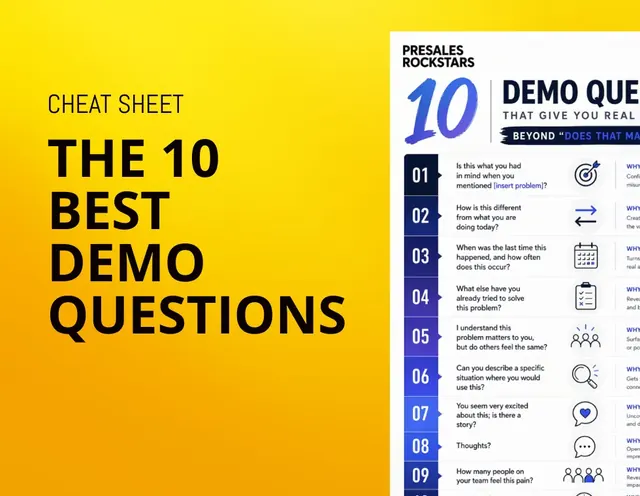 PDF · 1.3 MB
Meaningful and engaging demo questions beyond "Does that make sense?"
Download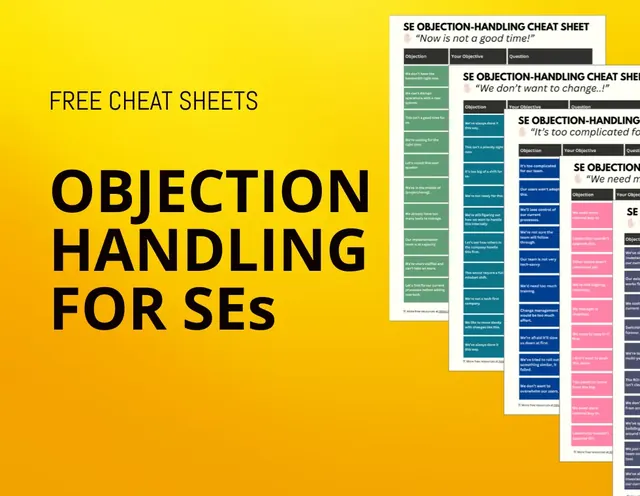 PDF · 1.2 MB
The most common objections and how to handle them
Download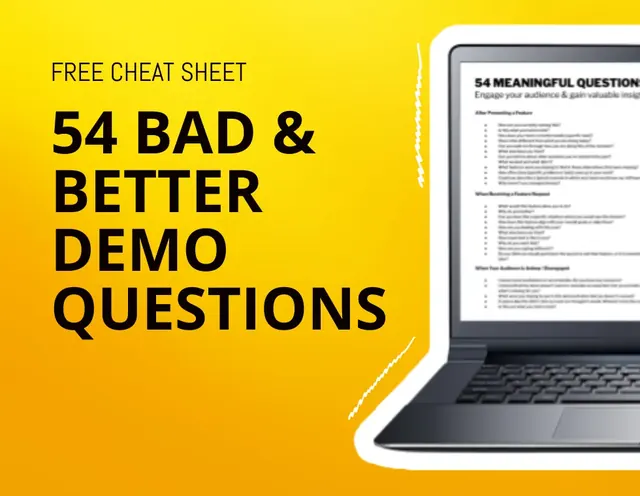 PDF · 246 KB
Detailed list of what questions (not) to ask during your demo
Download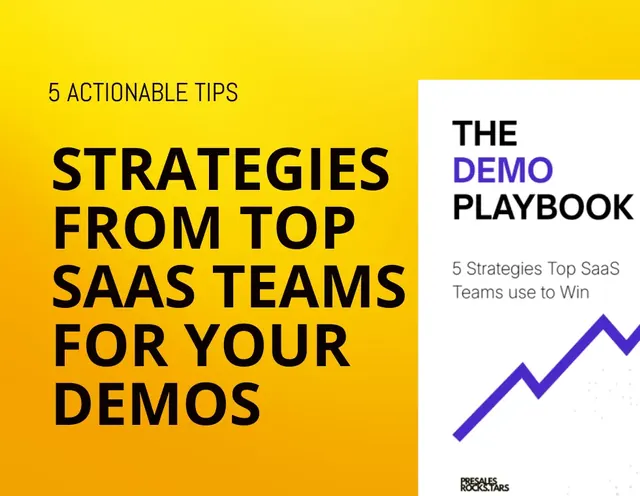 PDF · 1.7 MB
5 ready to implement steps that will improve your demo and demo process right away
Download![[Mini Ebook] How to gain your customers trust](/images/resources/resource-5.webp) PDF · 1.7 MB
PDF · 1.7 MBHow to build real trust with your clients by taking a genuine interest in their unknown challenges
Download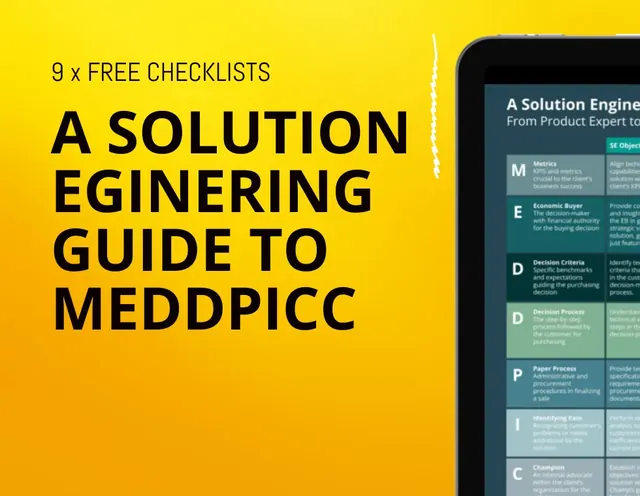 PDF · 1.9 MB
Everything you need to know about MEDDPICC as a Solution Engineer
Download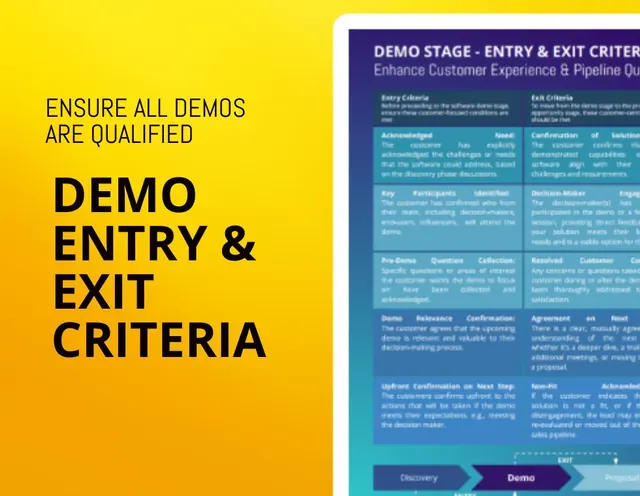 PDF · 126 KB
How to make sure that every demo request you and your team receives is properly qualified
Download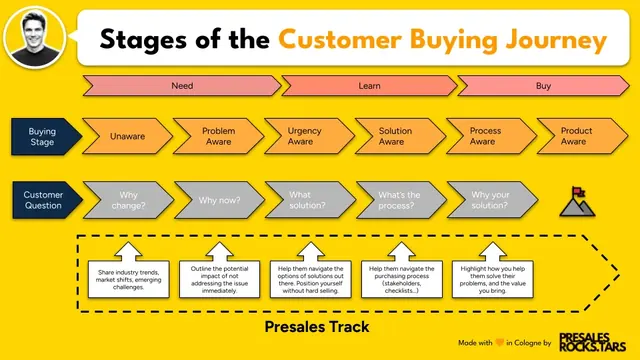 PNG · 102 KB
Understand your customers buying journey and what kind of input they need from you at every stage
Download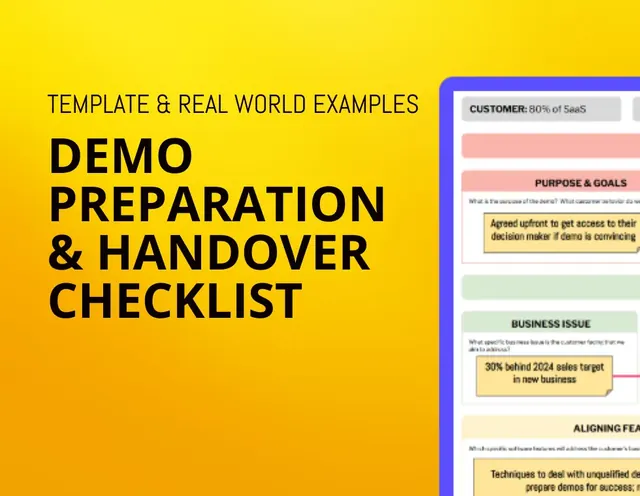 PDF · 657 KB
How to better align internally on your demo objectives and narrative to make every demo count
Download PDF · 118 KB
Behaviours that make your customers trust you; or break it.
Download