

Developer workflow comes first
Installation, IDE, pull request, CI/CD and feedback time directly affect whether people will use the product.
Developers judge a tool by how much it changes their daily workflow. Engineering leaders and security teams also care about control, scale and auditability. A hello-world repository rarely answers the questions that decide an enterprise purchase.

The end user is technical and often skeptical. Small workflow friction can block adoption even when the product solves a real problem.
Installation, IDE, pull request, CI/CD and feedback time directly affect whether people will use the product.
Languages, frameworks, build systems, monorepos, private dependencies and self-hosted runners change what works.
Security, audit logs, SSO, permissions and policy need to work without making developers fight the platform.
Repository size, pipeline volume, build time and number of teams can expose limits that a small demo never shows.
DemoRamp is a complete toolkit built around three areas with ongoing guidance and coaching for long-lasting, behavioral and organisational change.
Improve your teams communication, presentation and soft skills.
Build repeatable processes and clear rules around demos.
Practical, ready-to-use tools your team can apply in their very next demo.
Where DevTools demos usually go wrong. Here are the patterns that come up again and again.
The buyer cannot see what happens in their real engineering environment.
Ignoring build systems, monorepos, private packages or self-hosted infrastructure that make the customer’s setup harder than the demo.
The important part is how the issue appears in the pull request, who owns it and how it gets fixed.
These details can decide whether the tool can run in the customer environment.
Showing developer features only and leaving out the admin, audit and policy controls needed for an enterprise rollout.
Not every workflow deserves equal time. These are the things that matter most to Developer tools and buyers.
Install or connect the product to a realistic repository and pipeline, not only a pre-configured sample.
Show how it behaves with the customer’s languages, frameworks and build setup.
Show feedback where they already work and how they act on it.
Show enterprise controls such as permissions, policies, SSO and audit logs without hiding the effect on the developer experience.
Use a realistic repository or workload to show setup time, scan time or pipeline impact at a believable scale.
Start wherever makes sense for your team’s maturity level. You don’t have to decide everything now. We can always expand later.
How good are our demos?
FreeLet’s start by reviewing a handful of your recorded demos, to see how you’re doing and where you need the most support.
See Demo ReviewHow can we see results from the very next demo?
Quick winQuick tips and better habits your team can use in the very next demo.
See Skills WorkshopHow do we make sure that everyone follows the same best practices?
RecommendedA full training and coaching program with guaranteed results, and your sales team involved.
See 90-Day AcceleratorAlso on its own: ENGAGED™ Demo WorkshopDemo Feedback ServiceOnline Demo CoursesCompare the options
Developers are naturally skeptical and will test language support, frameworks, CI/CD, runners, monorepos and edge cases. If you answer every stack question in depth, the demo can become an architecture session before the developer problem is established.
“The demos that win are the ones that make the buyer’s real problem obvious first, and only then go deep into the detail.”Max LüpertzFounder, Presales Rockstars
Cheat sheets, checklists and guides to apply in your very next demo.
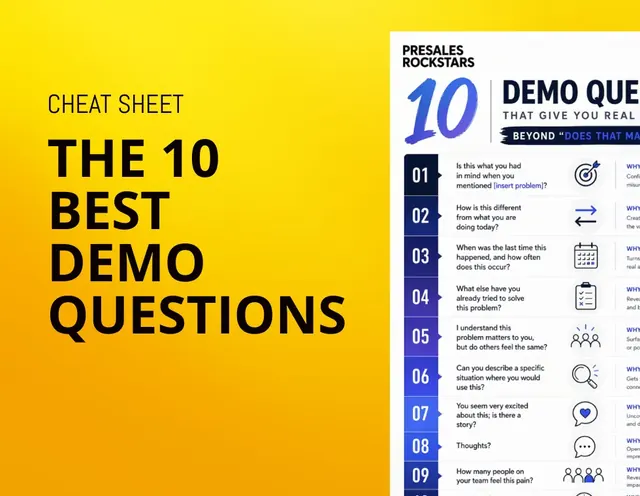 PDF · 1.3 MB
Meaningful and engaging demo questions beyond "Does that make sense?"
Download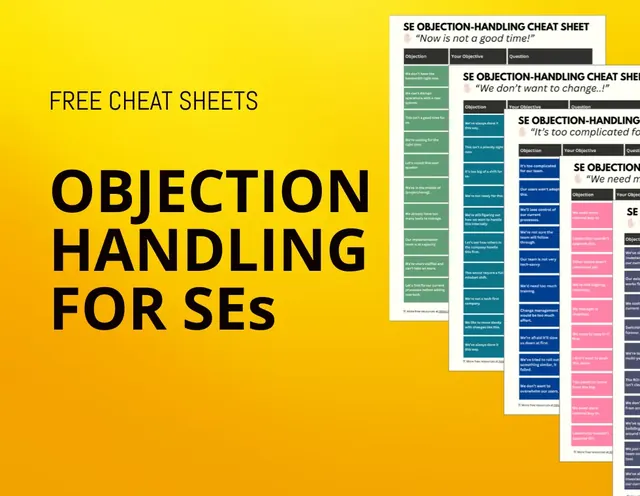 PDF · 1.2 MB
The most common objections and how to handle them
Download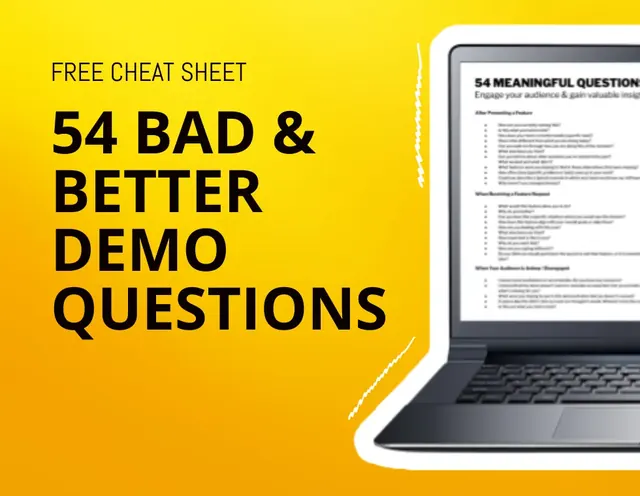 PDF · 246 KB
Detailed list of what questions (not) to ask during your demo
Download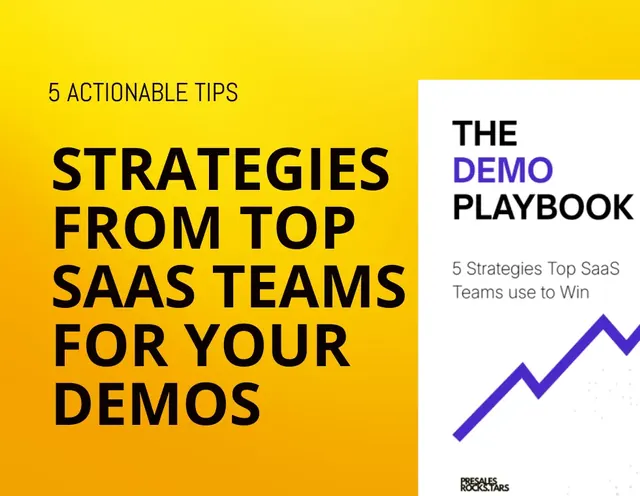 PDF · 1.7 MB
5 ready to implement steps that will improve your demo and demo process right away
Download![[Mini Ebook] How to gain your customers trust](/images/resources/resource-5.webp) PDF · 1.7 MB
PDF · 1.7 MBHow to build real trust with your clients by taking a genuine interest in their unknown challenges
Download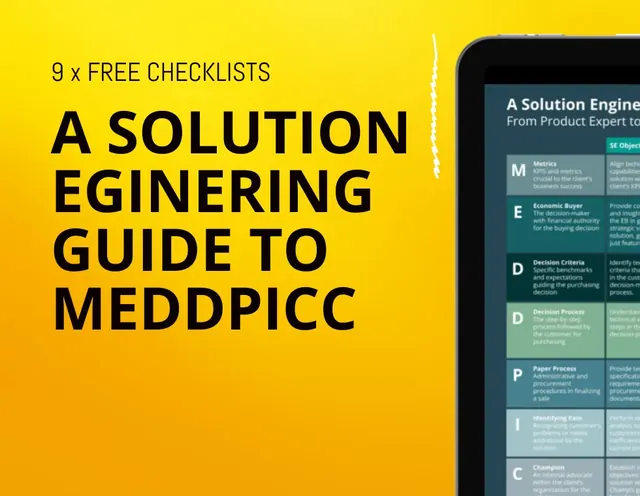 PDF · 1.9 MB
Everything you need to know about MEDDPICC as a Solution Engineer
Download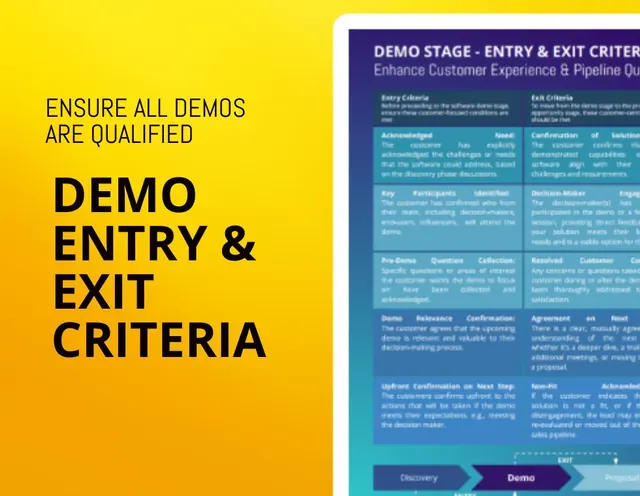 PDF · 126 KB
How to make sure that every demo request you and your team receives is properly qualified
Download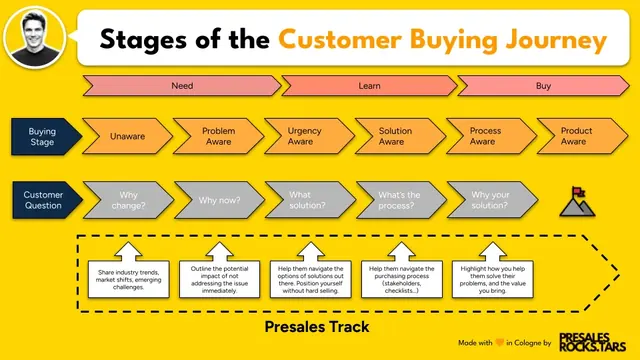 PNG · 102 KB
Understand your customers buying journey and what kind of input they need from you at every stage
Download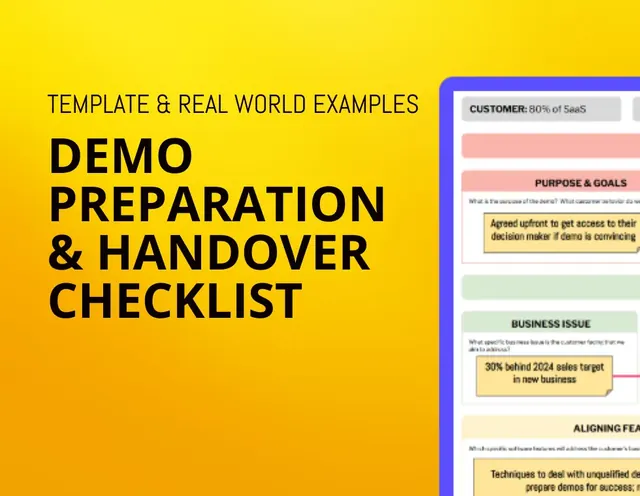 PDF · 657 KB
How to better align internally on your demo objectives and narrative to make every demo count
Download PDF · 118 KB
Behaviours that make your customers trust you; or break it.
Download