

Requester vs
resolver experience: End users want a quick answer. Service teams need routing, ownership, history and enough technical detail to resolve the issue.
ITSM software connects requesters, service desk agents, technical teams, assets and change processes. Buyers want to know how work moves across those groups, how the CMDB supports decisions and how the platform fits with monitoring, development and identity tools.

A single ticket can touch the end user, service desk, specialist teams, change management, assets and reporting. The value sits in the flow between them.
resolver experience: End users want a quick answer. Service teams need routing, ownership, history and enough technical detail to resolve the issue.
A demo should show how these processes support each other instead of treating them as separate modules.
Service impact is only useful when configuration and service data is accurate enough to trust.
Monitoring, endpoint tools, identity, collaboration and developer tools often create or update work automatically.
DemoRamp is a complete toolkit built around three areas with ongoing guidance and coaching for long-lasting, behavioral and organisational change.
Improve your teams communication, presentation and soft skills.
Build repeatable processes and clear rules around demos.
Practical, ready-to-use tools your team can apply in their very next demo.
Where ITSM demos usually go wrong. Here are the patterns that come up again and again.
Showing a clean self-service portal but never showing the real work after the ticket reaches the service desk.
Real tickets get reassigned, escalated, linked and sometimes turned into problems or changes.
Buyers need to see where configuration data comes from and what happens when it is incomplete or wrong.
A workflow is only useful if the team can understand and handle the cases that do not match the rule.
Showing service dashboards without linking them to SLA, ownership, backlog and the actions a manager can take.
Not every workflow deserves equal time. These are the things that matter most to ITSM and IT operations buyers.
Follow one request or incident from requester to resolver, including reassignment or escalation.
Connect the ticket to the affected service or configuration item and show how that changes the decision.
Show a real integration, for example monitoring creating an incident or a change linked to a deployment.
Show approvals and risk around a change, including what the process does when information is missing.
Demonstrate self-service and knowledge with a case where the user can actually avoid opening a ticket.
Start wherever makes sense for your team’s maturity level. You don’t have to decide everything now. We can always expand later.
How good are our demos?
FreeLet’s start by reviewing a handful of your recorded demos, to see how you’re doing and where you need the most support.
See Demo ReviewHow can we see results from the very next demo?
Quick winQuick tips and better habits your team can use in the very next demo.
See Skills WorkshopHow do we make sure that everyone follows the same best practices?
RecommendedA full training and coaching program with guaranteed results, and your sales team involved.
See 90-Day AcceleratorAlso on its own: ENGAGED™ Demo WorkshopDemo Feedback ServiceOnline Demo CoursesCompare the options
ITSM admins can quickly move into CMDB structure, workflow rules, custom fields and connector details. That can turn the demo into a configuration workshop before the service problem and operational impact are clear.
“The demos that win are the ones that make the buyer’s real problem obvious first, and only then go deep into the detail.”Max LüpertzFounder, Presales Rockstars
Cheat sheets, checklists and guides to apply in your very next demo.
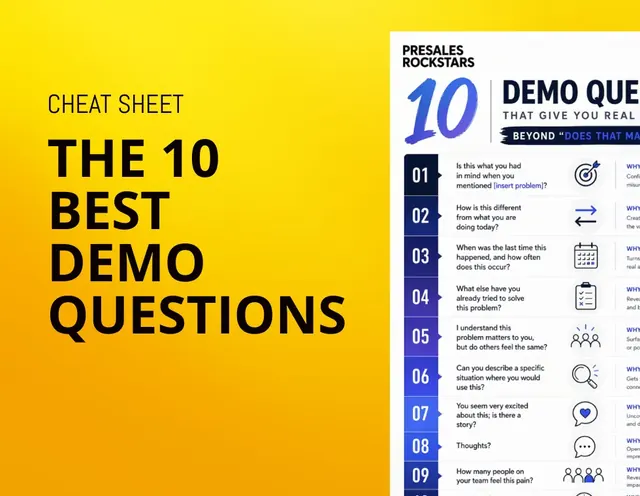 PDF · 1.3 MB
Meaningful and engaging demo questions beyond "Does that make sense?"
Download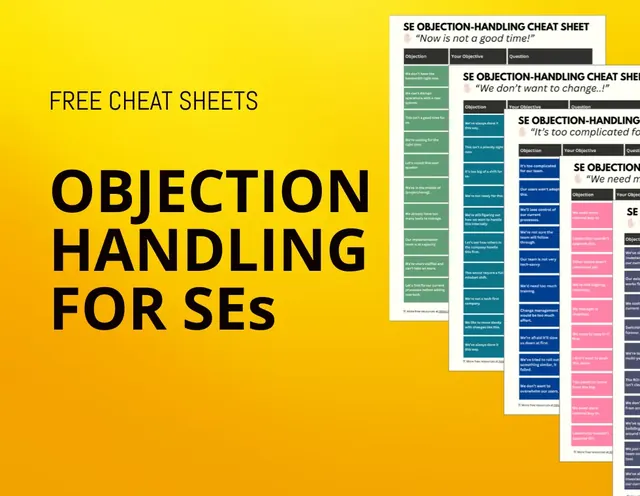 PDF · 1.2 MB
The most common objections and how to handle them
Download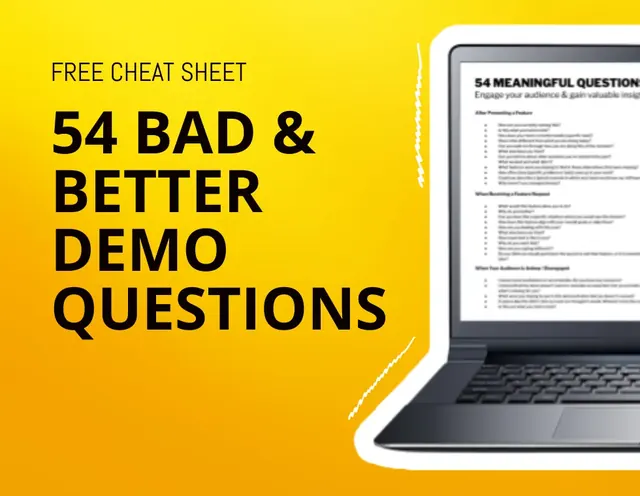 PDF · 246 KB
Detailed list of what questions (not) to ask during your demo
Download PDF · 1.7 MB
5 ready to implement steps that will improve your demo and demo process right away
Download![[Mini Ebook] How to gain your customers trust](/images/resources/resource-5.webp) PDF · 1.7 MB
PDF · 1.7 MBHow to build real trust with your clients by taking a genuine interest in their unknown challenges
Download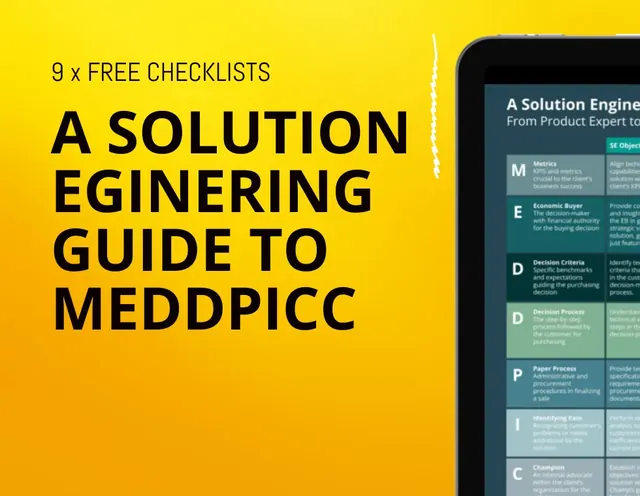 PDF · 1.9 MB
Everything you need to know about MEDDPICC as a Solution Engineer
Download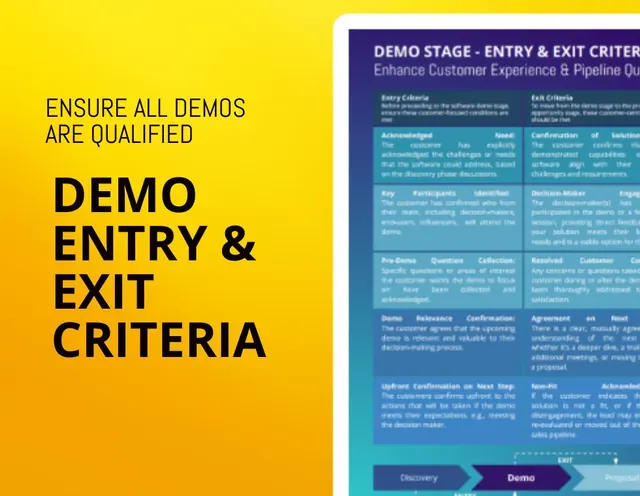 PDF · 126 KB
How to make sure that every demo request you and your team receives is properly qualified
Download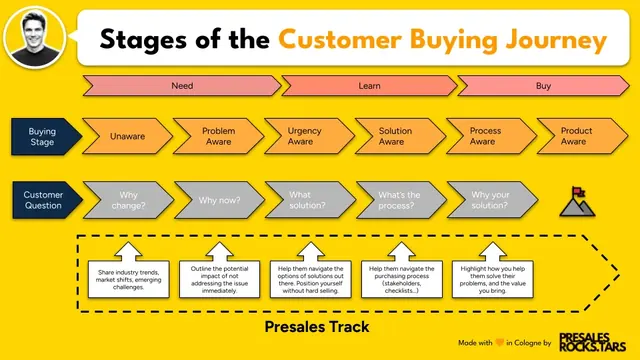 PNG · 102 KB
Understand your customers buying journey and what kind of input they need from you at every stage
Download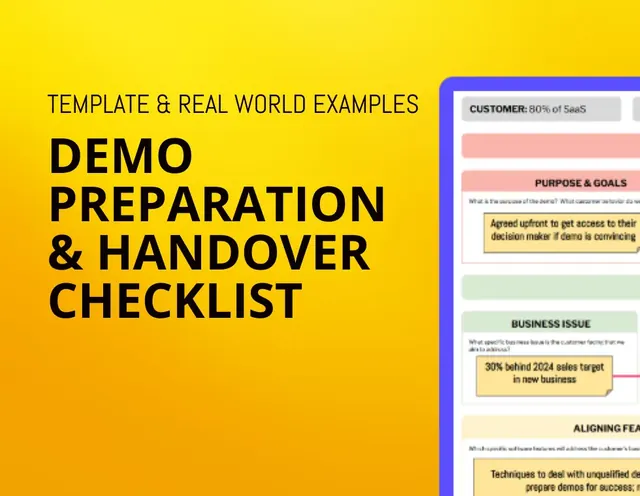 PDF · 657 KB
How to better align internally on your demo objectives and narrative to make every demo count
Download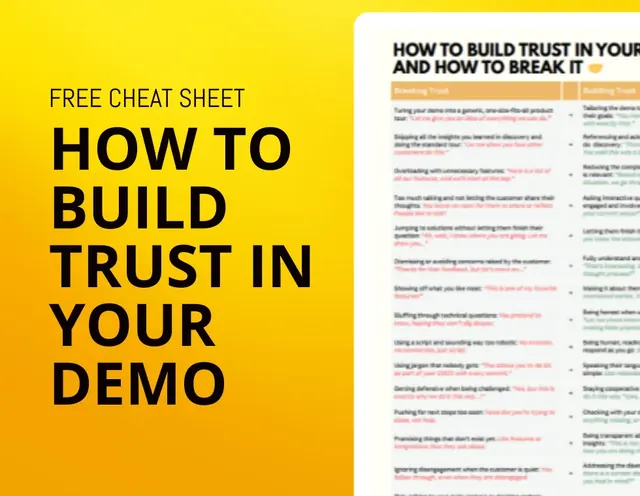 PDF · 118 KB
Behaviours that make your customers trust you; or break it.
Download